
Error code reference
Flavia error codes, what they mean and how to fix them.
Flavia FreshPack stations tend to tell you what's wrong in plain messages on the display rather than cryptic number codes, and the conditions cover a focused set: the FreshPack brewer mechanism, the heated-water system, the in-cup froth path, the water supply (pour-over tank or plumb-in), the drip tray, the controls, and on the Creation 600 the FLAVIA IQ connectivity. This dictionary lists the conditions we meet most often across the Creation 200, 300, 500, and 600, plus older Mars Drinks stations still in service. For each one: what the machine is telling you, what to try first, and when it's genuinely a service call.
Flavia code? Send it to us.
We'll get back to you today with what it likely is.
Thanks. We received your request.
A Grajqevci technician will get back to you today to confirm your machine and book the visit. If it's urgent, call us directly at (289) 217-3796.
Something went wrong sending your request.
Please try again, or call us directly at (289) 217-3796 and we'll book your service over the phone. You can also email support@grajqevci.com.
About these codes. Compiled from Flavia and Lavazza Professional documentation, the shared behaviour of FreshPack workplace stations, and our own GTA service log. Flavia stations use descriptive on-screen messages more than fixed number codes, and the exact wording varies by model and firmware, so each entry describes the condition itself, not just a label. Where a condition applies only to certain models, the plumb-in stations or the connected Creation 600, the entry says so. Updated August 2026
Brewer mechanism
4 codesPack Jam FreshPack jam / pack not loading
The machine can't load a FreshPack into the brew chamber or can't move it through the cycle, so it stops to protect the mechanism. Often follows a torn pack that left foil or grounds in the path.
Likely causes
- Torn pack leaving foil in the carrier
- Pack carrier or gripper worn or fouled
- Home-position sensor not reading
- Grounds buildup on the drive components
Try this first
- Power-cycle once to let the mechanism re-home
- If accessible, check the brew chamber for a visibly stuck pack or foil
Call us. We strip the brewer mechanism, clear the chamber, clean and replace worn carrier and gripper parts, and cycle it until packs load cleanly. Forcing it past a jam breaks parts.
Brew Fault Pierce / weak-brew fault
The pack went through the cycle but the brew came out partial or weak, or the machine flagged a pierce problem. The pierce needles aren't opening the pack cleanly or water isn't passing through it properly.
Likely causes
- Pierce needle dull, bent, or blocked
- Worn seal around the pierce point
- Low water flow from scale upstream
- Pack seated incorrectly in the carrier
Try this first
- Try a fresh pack to rule out a single bad one
- Note whether every drink is weak or just one type
Call us. We inspect the pierce assembly, clear or replace the needles, fit fresh seals, and verify a clean pierce and a full-strength brew.
Eject Fault Used pack not ejecting
A spent FreshPack hasn't dropped into the bin, so the chamber is blocked and the next brew can't load. The machine stops until the path is clear.
Likely causes
- Eject path jammed with a stuck pack
- Pack bin full or not seated
- Eject lever worn
- Drive not completing the eject stroke
Try this first
- Empty the used-pack bin and reseat it
- Power-cycle once to let the eject stroke complete
Call us if it recurs. We clear the eject path, check the bin seats correctly, replace a worn eject lever, and confirm spent packs drop cleanly.
Brewer Stuck Brewer stuck mid-cycle / won't home
The brewer mechanism didn't reach its home or brew position in the allowed travel, so the machine locks out brewing to protect the drive.
Likely causes
- Grounds packed onto the drive
- Worn drive cam or gearmotor
- Position sensor or encoder fault
- Mechanism binding on a foreign object
Try this first
- Power-cycle once to let the mechanism re-home
- Do not force the mechanism by hand
Call us. We pull the mechanism, clean every wear surface, replace the worn drive part, and verify reliable homing across repeated cycles.
Heating
1 codeHeating Fault Heating / temperature fault
The heated-water system isn't reaching or holding temperature inside the allowed window, so the machine cuts the heater and drinks come out lukewarm or brewing is held.
Likely causes
- Element scaled and insulating
- Heating element electrically degraded
- Temperature sensor drifted or failed
- Thermal cutout tripped on a scaled element
Try this first
- Power-cycle once and allow a full warm-up
- Note whether drinks are cold or just under temperature
Call us. We descale the system, test the element, check the sensor, and replace the element if temperature doesn't recover. Untreated water shortens element life here, so scale shows up often.
Froth system
1 codeWeak Froth Weak or no froth on milk-style drinks
Informational on milk-style and chocolate drinks: the in-cup froth has gone flat. The machine keeps brewing black coffee and tea normally.
Likely causes
- Froth nozzle blocked or scaled
- Air-intake path worn or blocked
- Water below temperature into the drink
- FreshPack froth path partly obstructed
Try this first
- Run a hot rinse and re-test a milk-style drink
- Check whether black drinks are at full temperature
Schedule it. We clear and descale the froth path, check the air intake, confirm brew temperature, and verify foam across the milk-style drinks.
Water
2 codesAdd Water Add-water / low-water message (pour-over tank)
On tank-fed stations the machine reads the pour-over tank as low or empty and holds brewing until it sees enough water. If it won't clear on a full tank, the level reading itself is the problem.
Likely causes
- Tank genuinely low
- Level sensor scaled and reading low
- Float or sensor fouled with debris
- Air-locked tank not seating on the inlet
Try this first
- Top the tank up fully and reseat it
- Check the tank is seating squarely on the inlet
Call us if it won't clear on a full, properly seated tank. We clean and test the level sensor, descale it if scale is holding the reading, and confirm a full tank reads correctly.
No Water Plumb-in supply / fill fault
On a plumb-in station (Creation 300 and up) the machine isn't getting water from the building supply, so it won't fill or brew. Brewing stays locked until the feed is restored.
Likely causes
- Supply valve closed or restricted
- Inline filter cartridge at end of life
- Fill solenoid stuck closed
- Inlet scaled or kinked supply line
Try this first
- Confirm the water supply valve is fully open
- Check whether the inline filter is overdue for replacement
Call us. We verify the supply and filter, test the fill solenoid, descale the inlet, and confirm the station fills and holds level on the plumbed feed.
Drip tray
1 codeTray Full Drip-tray-full alert
The drip tray is reading full, so the machine holds dispensing until it's emptied. If it reads full when the tray is empty, the sensor or drain is the problem.
Likely causes
- Drip tray genuinely full
- Tray sensor misreading or fouled
- Drip path blocked
- Plumbed drain blocked or not falling (plumbed installs)
Try this first
- Empty and reseat the drip tray
- Check the tray is seated squarely
Call us if it won't clear on an empty, seated tray. We clean and test the tray sensor, clear the drip path, and check the drain line on plumbed installs.
Electronics
2 codesTouch Fault Touchscreen / control panel fault
On touchscreen stations like the Creation 300 the screen has frozen, gone blank, or is registering the wrong drink. The brew side may be fine, but selection is unreliable.
Likely causes
- Firmware hang
- Touch digitizer calibration drift
- Moisture on the touch surface
- Display or ribbon connector fault
Try this first
- Power-cycle at the switch
- Wipe the screen dry and avoid wet-wiping until inspected
Call us if a power-cycle doesn't fix it. We check firmware, recalibrate or reflash, reseat the connector, and replace the panel only if the hardware has failed.
Service Service / error message on the display
A general service or error condition the controller can't clear on its own. It points to a fault in the brewer, heater, a sensor, or the board rather than something the operator can reset.
Likely causes
- Sensor reporting out of range
- Relay or controller output fault
- Brewer or heater fault feeding the message
- Firmware error after a partial update
Try this first
- Note the exact message on the screen
- Power-cycle once to clear a transient
Call us. We read the message, pin it to the failing part, fix it, clear the condition, and test the station across the drink menu.
Connectivity
1 codeIQ Offline FLAVIA IQ connectivity fault (Creation 600)
On the connected Creation 600 the FLAVIA IQ telemetry isn't reporting, so brewing data and remote settings aren't reaching the portal. The station keeps brewing normally.
Likely causes
- Site network changed after a router swap
- Comms module fault
- Sensor not reporting to the controller
- Configuration drift between portal and station
Try this first
- Confirm the site network and Wi-Fi are up
- Note whether other connected devices on the same network are fine
Schedule it. We verify the network settings, reset the FLAVIA IQ stack, test the signal, and replace the comms module if the hardware is at fault.
Maintenance
1 codeDescale Descale / service-interval reminder
The maintenance counter has elapsed. It isn't a failure, and the machine keeps brewing, but scale is the biggest long-term threat to the heater and froth path on this region's water.
Likely causes
- Drinks-dispensed counter elapsed
- Time-based counter elapsed
- Filter counter expired on plumb-in installs
Try this first
- Confirm whether the reminder is for descale, filter, or general service
- Do not clear it without performing the service
Schedule a maintenance visit. We run a full descale, service the brew and froth path, reset the counter, and check the water setup.
No codes match your filters.
Try a different search term, clear the filters, or call us and we'll diagnose from your display.
Code you can't find?
Call us with the exact display string. We'll diagnose by phone.
Free download
The Flavia cheat sheet, free
The top Flavia error codes with what each one means and what is safe to try first, plus the daily and weekly care that prevents most service calls. Print it, laminate it, tape it to the machine.
By downloading, you consent to receive occasional service tips and seasonal reminders from Grajqevci. Unsubscribe anytime, every email has a one-click link.
Trusted by Toronto's most demanding teams
You're in good company.






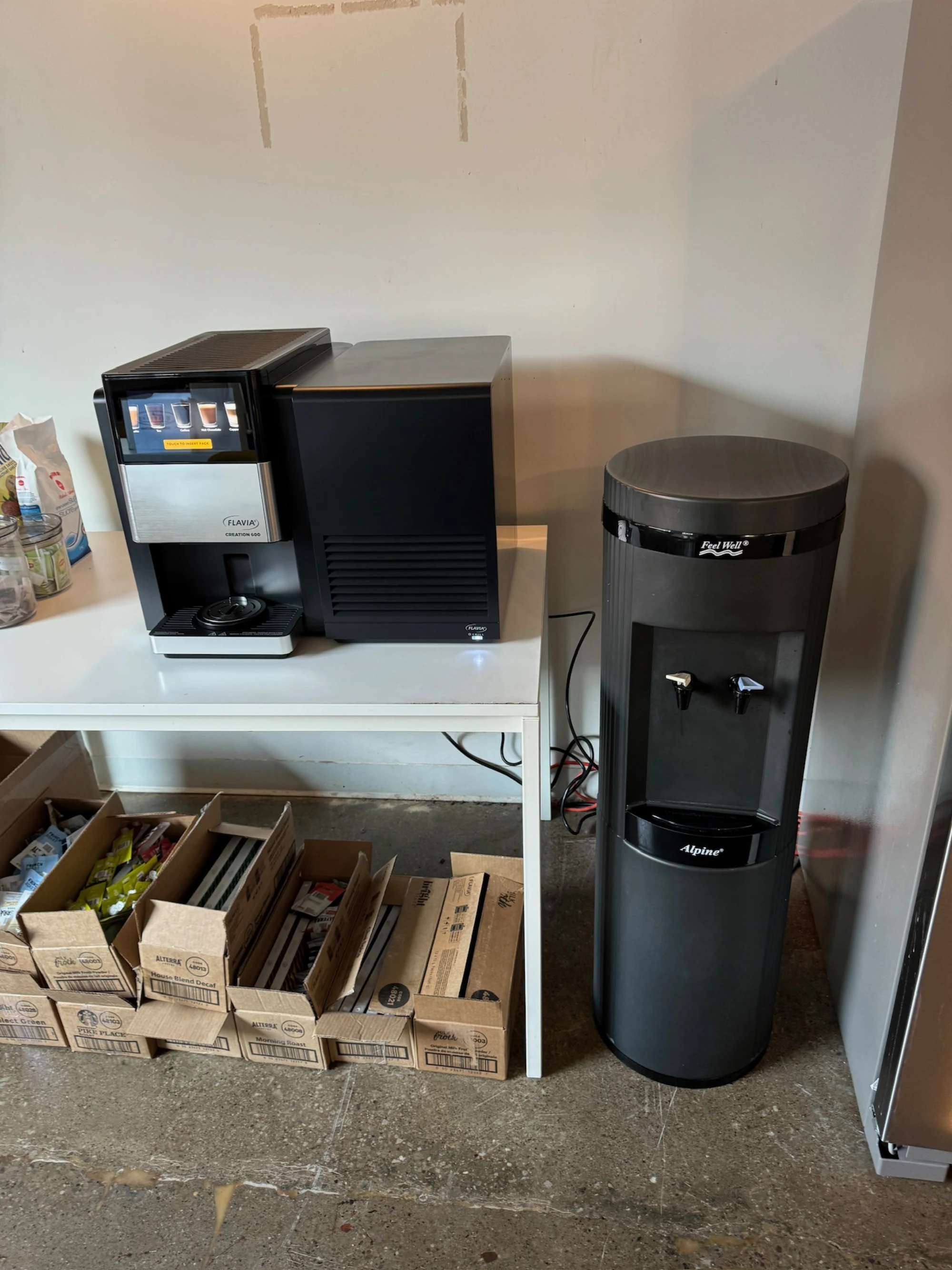
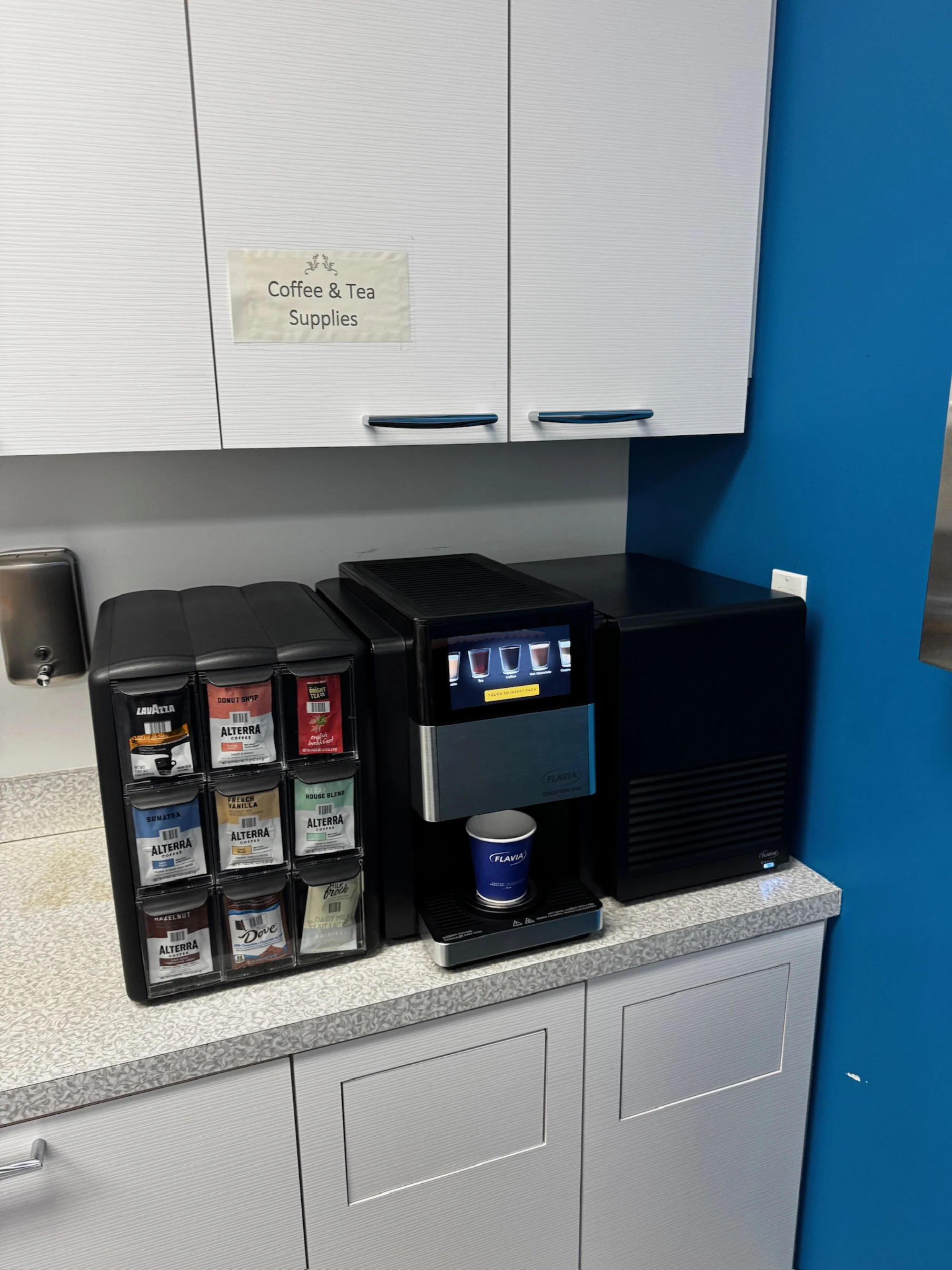
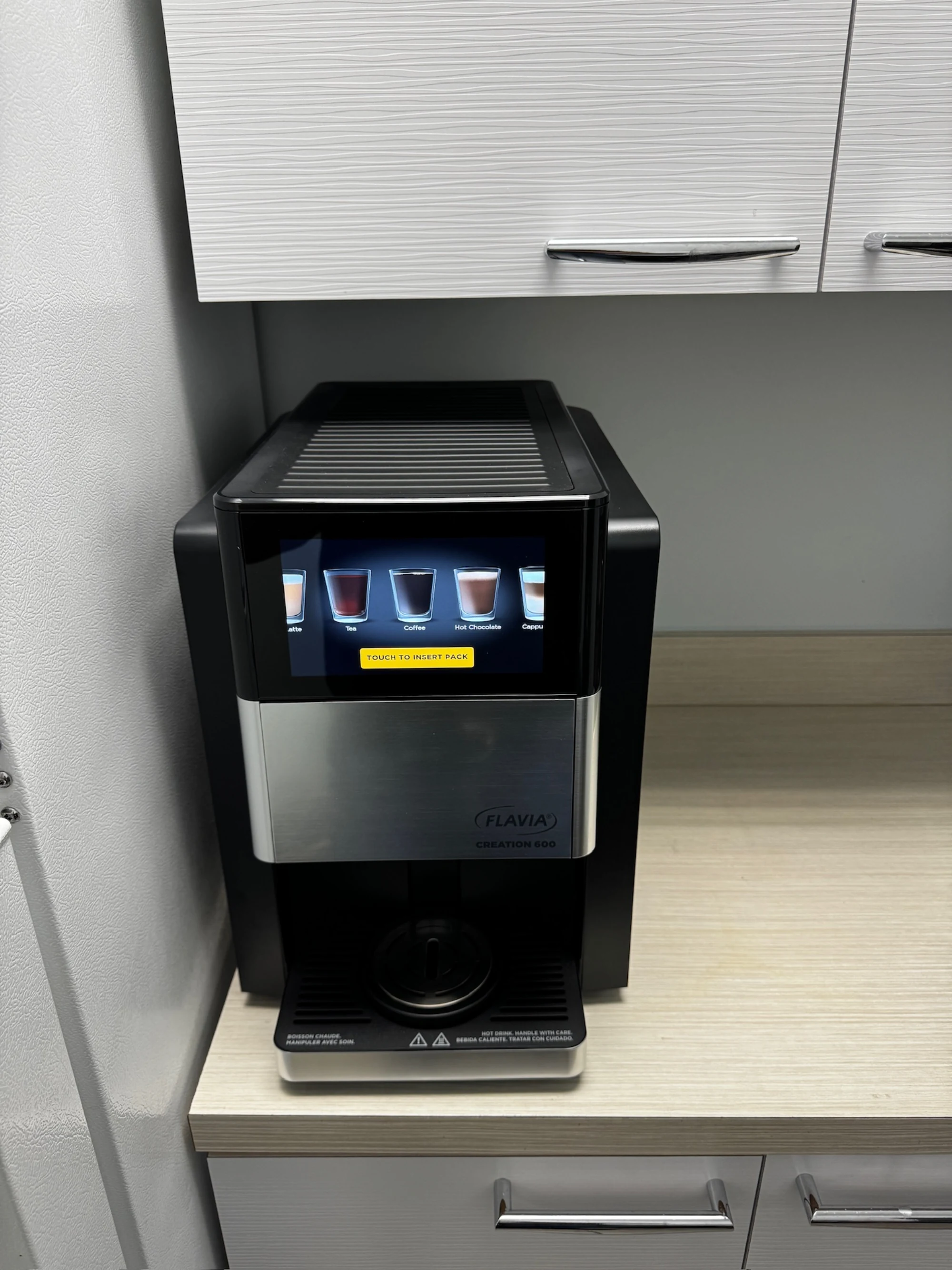
Flavia service work
Flavia machines we've put back in service.
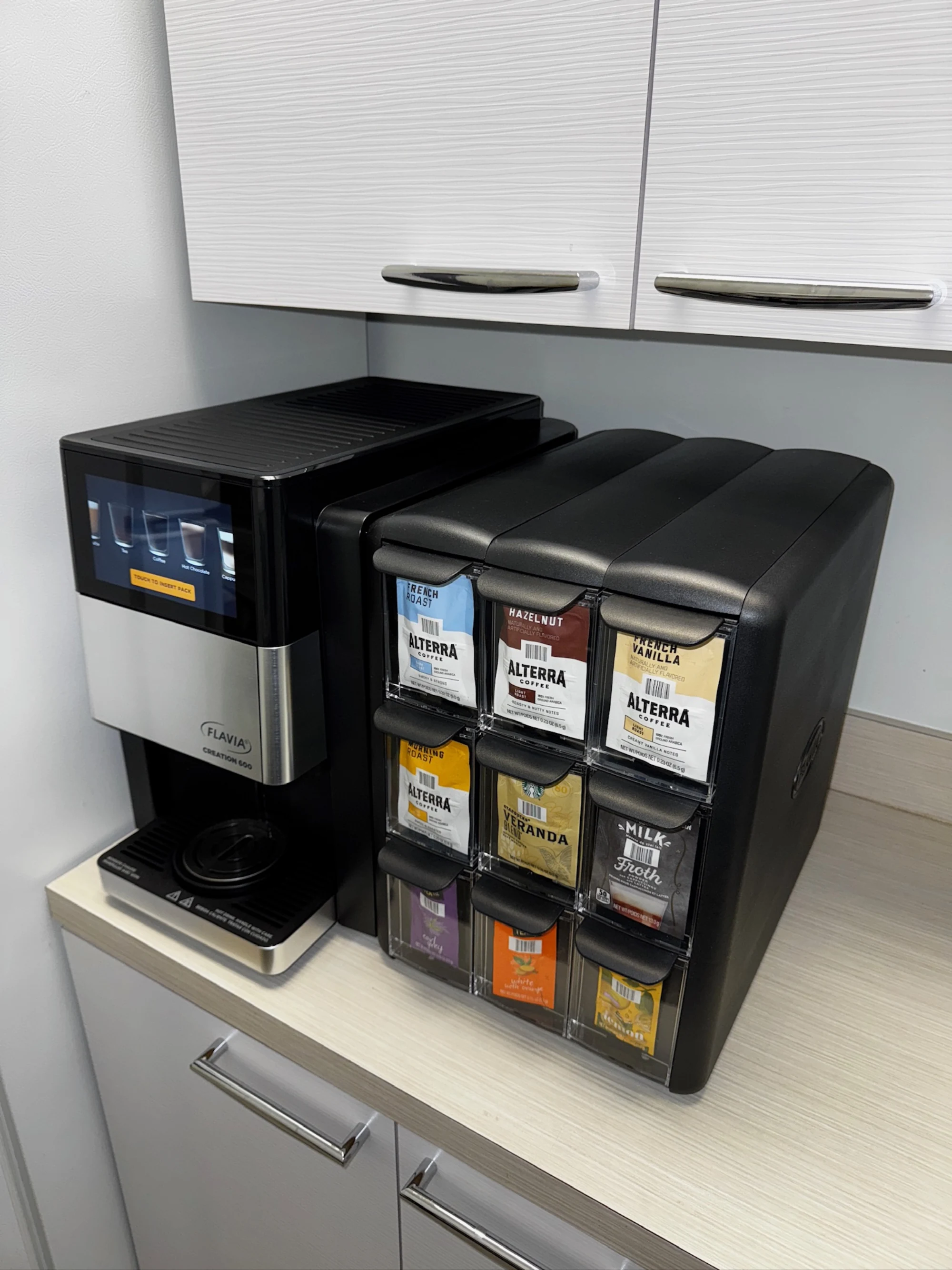
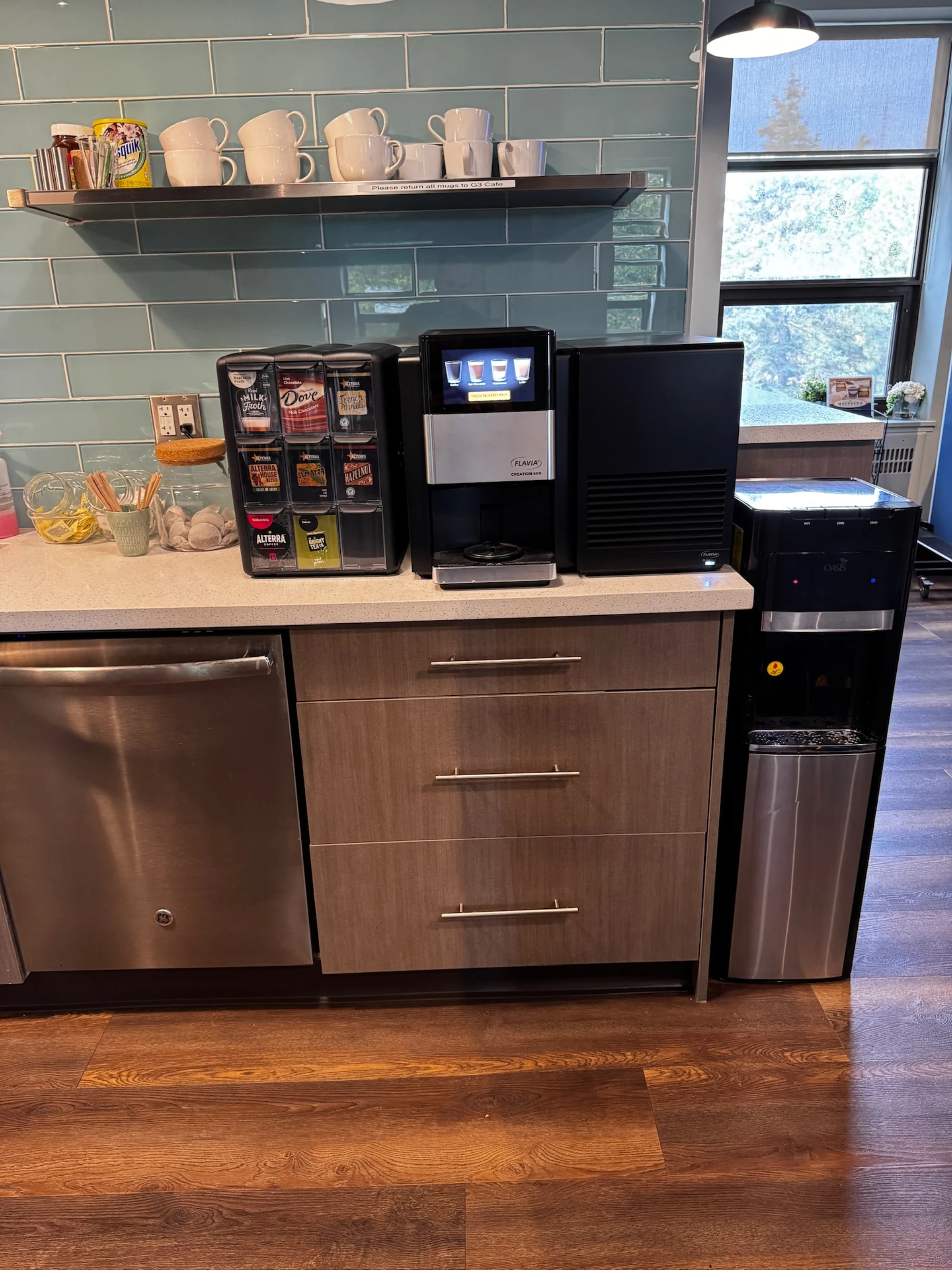
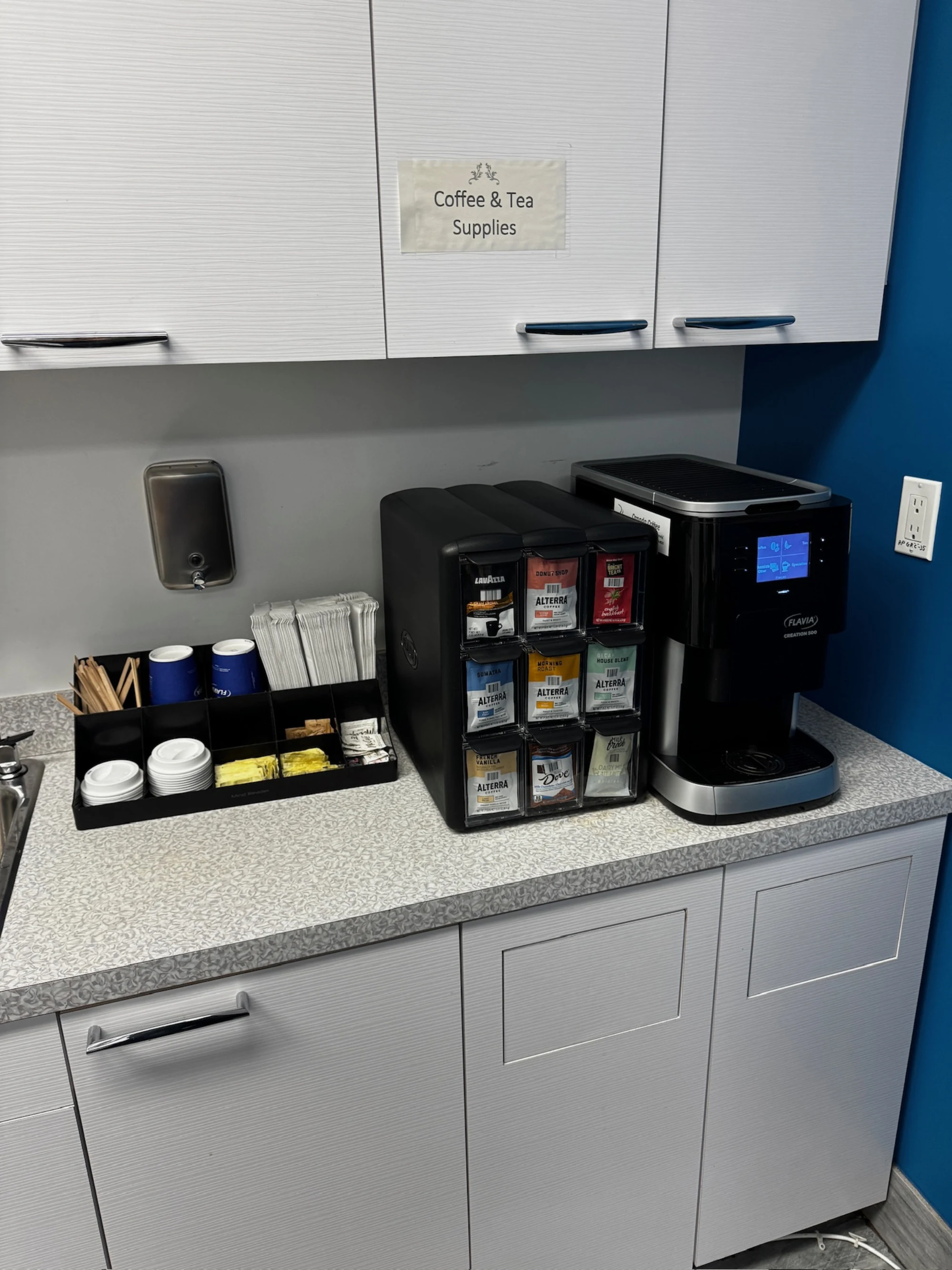
FAQ
Flavia error codes, frequently asked.
9 answers about resetting codes, recurring faults, firmware versions, and when DIY ends. If the recurring ones are descale or water warnings, start with the right Flavia water filter.
Updated August 2026
What does Flavia error code Add Water mean?
Every documented Flavia fault we see is listed above, with its meaning, common causes, and what to try before calling a technician. If the code on your machine isn't on this page, call us with the exact display string and we'll work it out by phone.
Can I clear or reset a Flavia error code myself?
Sometimes. Many Flavia codes clear after a power cycle, a completed descale, or a counter reset through the service menu. Codes tied to a hardware fault (failed sensor, blown element, board issue) will return immediately and need a technician. Each code above lists what's safe to try first.
Why does the same Flavia error keep coming back?
A code that returns after a power cycle is signalling a real fault, not a glitch. The underlying part (sensor, heating element, valve, motor, board) needs replacement. Repeat codes are diagnostic gold for us, so call with the exact code and any timing or symptom pattern you've noticed.
My Flavia code isn't listed. Why?
Flavia updates fault tables across firmware revisions and model generations, and not every code is documented publicly. We see codes in the field that aren't in any published list. Call us with the exact display string and the model and we'll work it out from our service log.
How fast can you get on-site if I'm stuck on an error code?
Most calls in Toronto and the immediate GTA get same-day on-site response. Tell us the code and the model when you book and we'll bring the right parts on the first visit so the repair finishes the same day.
Do I need to be authorized by Flavia to reset an error code?
No. We're an independent service provider, not affiliated with Flavia, and we work on machines outside the manufacturer's authorized network routinely. That independence lets us service older or out-of-warranty machines authorized networks may decline, and quote transparently every time.
Is it worth fixing an old Flavia machine that keeps throwing codes?
Depends on the machine, the code, and the cost. We give you honest math on this. If repairs are starting to exceed roughly 50% of a refurbished replacement and multiple major systems are throwing codes, we'll tell you it's time to look at replacing rather than running up the repair bill.
Will independent service void my Flavia warranty?
If your machine is under the manufacturer's warranty, independent service may affect coverage depending on Flavia's specific terms. Try the manufacturer's authorized network first. If their response is slow or they decline coverage for your code, call us and we'll service it on standard terms.
How many Flavia codes are documented on this page?
13 codes are documented above, organized by the system they affect. The list is compiled from manufacturer service literature, technician forums, and our own service log. We update it as new codes appear or firmware adds new states.
What we've done
Twenty-five years in the GTA, summed up in four numbers.
Banquet service depends on coffee. They built us a preventive maintenance schedule tuned to our event calendar. Zero emergency calls in the last 18 months.
Stuck on a Flavia error code? Call a specialist.
We diagnose Flavia codes by phone routinely. Same-day on-site dispatch if it needs hands on the machine.
Call (289) 217-3796 now →