

Error code reference
VKI error codes, what they mean and how to fix them.
Eccellenza machines report most faults as E-codes on the touchscreen, alongside plain-language alerts for descaling, filters, and cleaning. This page lists the codes we meet on VKI service calls, what each one means, and what's worth trying before you book a technician.
VKI code? Send it to us.
We'll get back to you today with what it likely is.
Thanks. We received your request.
A Grajqevci technician will get back to you today to confirm your machine and book the visit. If it's urgent, call us directly at (289) 217-3796.
Something went wrong sending your request.
Please try again, or call us directly at (289) 217-3796 and we'll book your service over the phone. You can also email support@grajqevci.com.
About these codes. Compiled from Keurig/VKI commercial service documentation and our own GTA service logs. Updated August 2026
Tank
1 codeE2 Tank heating timeout
The tank hasn't reached brew temperature within the allowed warm-up window, so brewing is locked out.
Likely causes
- Heating element open or buried in scale
- Element relay (SSR) failed
- High-limit thermostat tripped
- Tank under-filled at warm-up
Try this first
- Verify the water supply is open
- Reset the high-limit if it's accessible
- Power-cycle and watch whether warm-up runs normally
Most heating timeouts come down to element scale or a tripped high-limit. We descale, test the element and relay, and replace whichever part fails the test.
Heating
1 codeE10 High-limit thermostat tripped
The mechanical high-limit thermostat has opened and cut power to the element. Brewing stays disabled until it's reset.
Likely causes
- Tank ran dry and overheated
- Element runaway from a stuck relay (SSR)
- The high-limit thermostat itself has failed
Try this first
- Let the tank cool completely
- Reset the high-limit if it's accessible
- Confirm the water level is normal
One trip can be a fluke; repeat trips after a reset mean the relay is sticking or the thermostat is failing. We diagnose which and replace it.
Brew valve
1 codeE7 Brew valve fault
The brew valve solenoid isn't actuating when commanded, so brewing is locked out.
Likely causes
- Brew valve coil open or shorted
- Solenoid driver on the controller failed
- Wiring loom disconnected
Try this first
- Power-cycle the machine
We test the coil and the driver and replace whichever has failed. Most Eccellenza valves are truck stock, so this is usually a one-visit fix.
Brew chamber
2 codesE3 Brew chamber home fault
The Reverse French Press chamber hasn't made it back to home position within the allowed cycle time. Brewing stays locked out until the chamber is confirmed home.
Likely causes
- Grind buildup on the chamber walls
- Brew chamber seal worn and dragging
- Home-position sensor reading incorrectly
- Drive motor running weak
Try this first
- Power-cycle the machine and let the chamber try to self-home
- Inspect the chamber for visible grind buildup
A recurring home fault on an Eccellenza usually means seal wear plus a drifting sensor. We fit a new seal kit, clean the wear surfaces, and verify the chamber cycles cleanly.
E4 Brew chamber motor timeout
The brew-chamber drive motor is drawing current, but the chamber's position isn't advancing, so the controller cuts power to protect the motor.
Likely causes
- Mechanical bind from grind contamination
- Worn drive coupling
- Failed motor or capacitor
- Position sensor not registering transitions
Try this first
- Power-cycle and listen for normal motor sound
- Look for ground coffee jamming the chamber
A motor timeout is a mechanical problem. We service the chamber end to end and replace the motor or coupling if either is worn.
Bean hopper
1 codeE6 Bean hopper empty / no bean detect
The bean-detect sensor sees no beans in the hopper, or beans have bridged above the grinder throat and stopped feeding.
Likely causes
- The hopper really is empty
- Beans bridging from humidity or stale stock
- Bean-detect sensor coated with coffee oils
Try this first
- Refill the hopper and tap it to break any bridge
- Wipe the bean-detect sensor clean of oil residue
Bean-empty alerts that persist with a full hopper mean the sensor needs a proper clean or a replacement.
Grinder
1 codeE5 Grinder dose timeout
The grinder ran past its maximum allowed dose time without reaching target, so the controller stopped it to protect the motor.
Likely causes
- Bean hopper empty, or beans bridging above the throat
- Burrs at the end of their life
- Coffee oils gumming up the grind chamber
- Grinder motor running weak
Try this first
- Check that beans are present and flowing
- Tap the hopper to break any bridge
If beans are flowing and the fault keeps returning, the burrs are worn or the motor is fading. We measure the dose by weight and replace whichever is at fault.
Milk system
1 codeE11 Milk system fault (Eccellenza milk variants)
On milk-capable Eccellenza models, the milk pump isn't drawing, or the milk-system clean cycle is overdue.
Likely causes
- Milk container empty
- Milk pump worn
- Milk pathway clogged with protein buildup
- Daily clean cycle skipped
Try this first
- Confirm milk is actually present
- Run the milk clean cycle from the service menu
Most milk faults trace to a clogged pathway or a worn pump, and both are quick to confirm. A daily clean keeps this code from coming back.
Filter
1 codeFilter Replacement Alert Water filter cycle reached
The filter cartridge's usage counter has reached its configured limit.
Likely causes
- The cartridge really is exhausted
- Counter not reset after the last filter change
Try this first
- Replace the filter cartridge
- Reset the counter from the service menu
A counter that refuses to reset points to EEPROM retention on the controller, which we test and fix.
Electronics
2 codesE20 Touchscreen / display fault
The touchscreen has lost communication with the main controller, or the digitizer has stopped responding.
Likely causes
- Ribbon cable unseated
- Touch digitizer failed
- Firmware corrupted after a power event
Try this first
- Power-cycle the machine
- Check the display ribbon connection if it's accessible
A display fault that survives a power cycle needs the ribbon reseated, the firmware reflashed, or the display replaced. We confirm which before quoting.
E22 Firmware / EEPROM fault
The controller has found corrupted firmware or EEPROM contents, and drink profiles may have reverted to factory defaults.
Likely causes
- Power interruption during a programming change
- EEPROM write failure
- Backup battery or capacitor failed
Try this first
- Re-enter the drink profiles
- Run a controlled power cycle and confirm the settings hold
Settings that drop a second time point to the hardware. We reflash the firmware and replace the backup power source, with profiles backed up first.
Water
3 codesE8 Flow meter no pulses
The flow meter isn't sending pulses during dispense, so the controller can't measure volume and aborts the cycle.
Likely causes
- Flow meter turbine clogged with deposits
- Flow meter cable disconnected
- Brew valve not opening
- Pump losing prime
Try this first
- Listen for the pump priming when a dispense starts
- Check that the flow meter cable is seated
Cleaning a flow meter is routine work. We clear the turbine, verify pulses are coming through, and chase the valve or pump if they aren't.
E9 Level probe / no water detected
The level probe isn't detecting water in the tank, so refill cycles keep repeating without ever confirming a full tank.
Likely causes
- Level probe coated in scale
- Inlet solenoid stuck closed
- Building supply pressure too low
- Inlet screen blocked
- Probe wire disconnected
Try this first
- Confirm the building water supply is open
- Listen for the inlet solenoid clicking
If the solenoid clicks but no water arrives, the valve or inlet screen is blocked. If water flows but the probe rarely registers it, the probe is scaled and needs cleaning or replacement.
Descale Required Descale interval reached
The descale counter has reached its configured interval, based on water hardness and brew volume. Brewing continues through a grace period.
Likely causes
- The interval has genuinely been reached
- Counter not reset after the last descale
- Water-hardness setting higher than the actual supply
Try this first
- Run the descale procedure through to completion
- Reset the counter from the service menu
If the alert won't clear after a completed descale, we check the counter reset and the water-hardness configuration, and confirm the descale actually did its job.
Sensors
5 codesE1 Tank temperature sensor out of range
The controller is reading the tank's temperature sensor (NTC) as open or shorted, so it disables heating to protect the element.
Likely causes
- NTC sensor failed
- Probe lead chafed through
- Connector unseated at the controller
Try this first
- Power-cycle the machine at the wall
- Visually inspect the probe lead for damage
An open or shorted NTC won't recover on its own. We test the sensor's resistance against the reference table and replace it on-site.
E12 Waste / grout container alert
The spent-grounds counter has hit its programmed limit, or the grounds container is reading as missing.
Likely causes
- The container really is full
- Counter not reset after the last empty
- Container-presence microswitch reading absent
Try this first
- Empty the grounds container and refit it fully seated
- Cycle the container out and back in
If the alert persists after a clean empty and a proper reseat, the microswitch needs cleaning or replacement.
E13 Drip tray full or missing
The drip-tray float or presence sensor is signalling full or missing, and the machine is prompting the operator.
Likely causes
- The tray really is full
- Float stuck on residue
- Tray-presence microswitch contaminated
Try this first
- Empty the tray and rinse the float
- Reseat the tray firmly
An alert that survives a clean, empty, properly seated tray means the float or switch needs servicing.
E14 Cup placement / cup sensor fault
The cup-detect sensor isn't seeing a cup in position, so the machine holds the brew until it does.
Likely causes
- Sensor lens coated with coffee splatter
- Cup sitting outside the sensor's detection range
- Sensor knocked out of alignment during cleaning or service
Try this first
- Clean the sensor lens
- Centre the cup fully under the dispense head
If a properly placed cup still isn't detected, the sensor needs cleaning, realignment, or replacement.
Door / Service Panel Open Service door reading open during operation
The service door microswitch reads open, so the machine halts its moving parts as a safety lockout.
Likely causes
- Door not fully closed
- Door microswitch contaminated
- Switch wiring loose
Try this first
- Open and close the door firmly until the latch engages
- Check the switch area for debris
A door fault with the door genuinely closed means the switch needs cleaning or replacement.
Connectivity
1 codeE21 OCS telemetry not reporting
A telemetry-equipped machine can't reach the fleet management dashboard. Drinks still pour locally, but remote monitoring is dark.
Likely causes
- Site network connectivity problem
- Cellular or SIM module failed on connected units
- Telemetry module unseated
- Fleet-side account or registration drift
Try this first
- Check whether other devices on the same network are online
- Power-cycle the machine to retrigger the telemetry handshake
Persistent telemetry faults get diagnosed at the machine and coordinated with the OCS operator's dashboard. We test the module and re-register the unit.
Other
1 codeCleaning Cycle Overdue / Aborted Scheduled clean cycle not completed
The scheduled cleaning cycle hasn't run within its configured window, or a cycle started and didn't finish.
Likely causes
- Operator skipped the cleaning prompt
- Cleaning chemical empty or not detected
- Cycle interrupted by a power loss
- Blockage in the cleaning circuit stalling the cycle
Try this first
- Confirm cleaning chemical is present and dosing
- Start the cleaning cycle again
Cycles that keep aborting need the failing stage identified. We clear the blockage or replace the sensor that's stalling it.
No codes match your filters.
Try a different search term, clear the filters, or call us and we'll diagnose from your display.
Code you can't find?
Call us with the exact display string. We'll diagnose by phone.
Free download
The VKI cheat sheet, free
The top VKI error codes with what each one means and what is safe to try first, plus the daily and weekly care that prevents most service calls. Print it, laminate it, tape it to the machine.
By downloading, you consent to receive occasional service tips and seasonal reminders from Grajqevci. Unsubscribe anytime, every email has a one-click link.
Trusted by Toronto's most demanding teams
You're in good company.






VKI service work
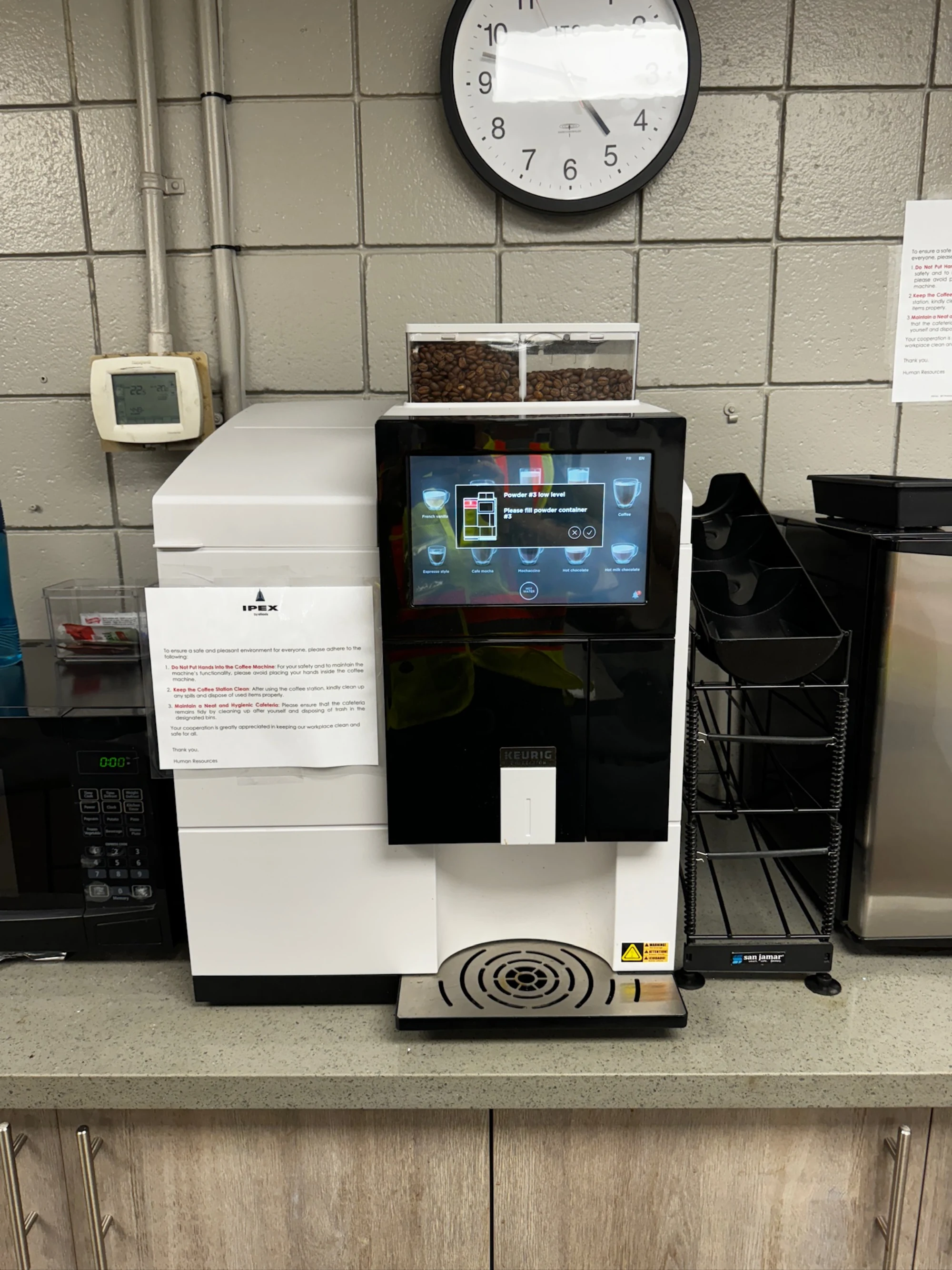
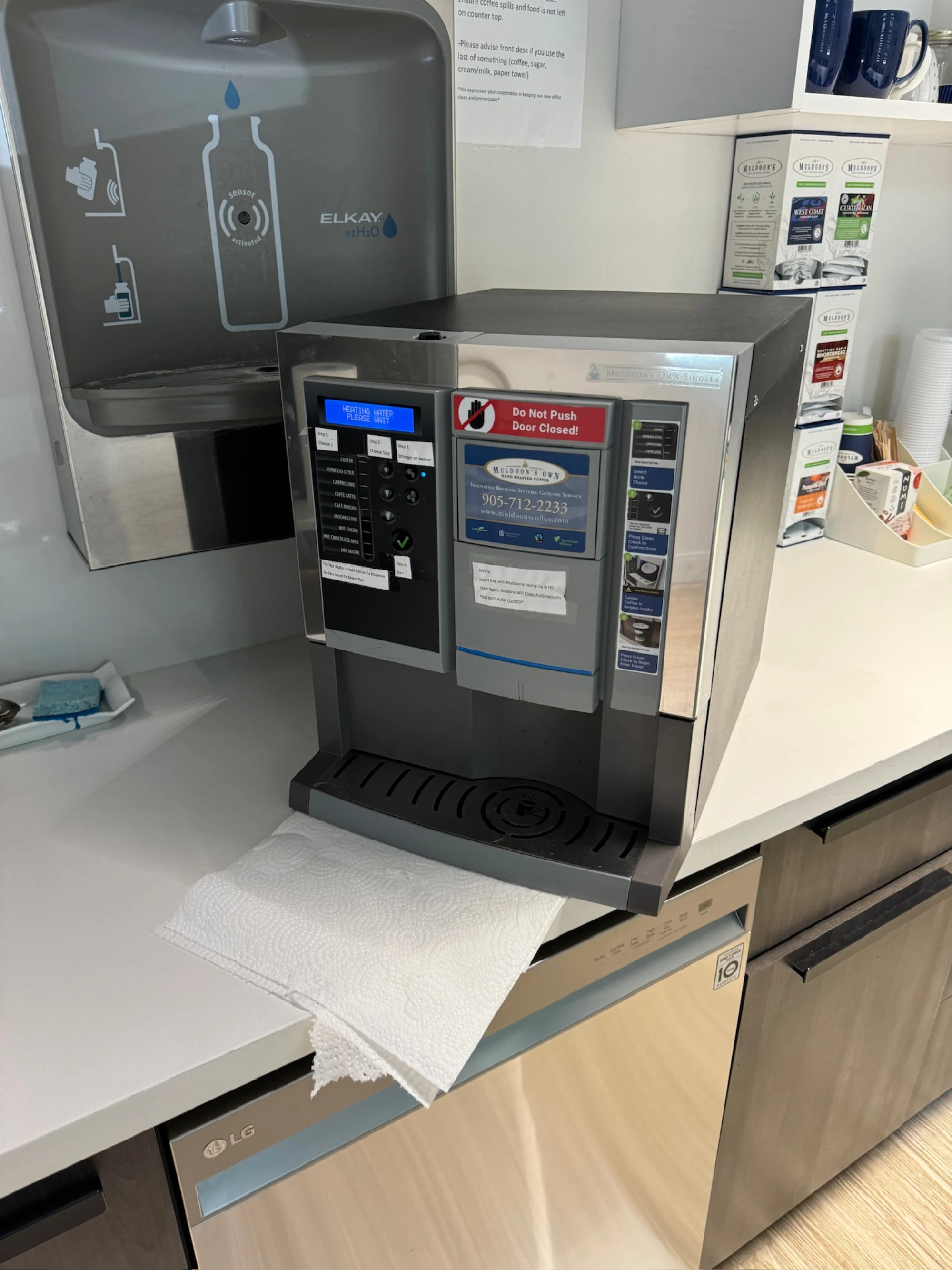
VKI machines we've put back in service.



FAQ
VKI error codes, frequently asked.
9 answers about resetting codes, recurring faults, firmware versions, and when DIY ends. If the recurring ones are descale or water warnings, start with the right VKI water filter.
Updated August 2026
What does VKI error code E1 mean?
Every documented VKI fault we see is listed above, with its meaning, common causes, and what to try before calling a technician. If the code on your machine isn't on this page, call us with the exact display string and we'll work it out by phone.
Can I clear or reset a VKI error code myself?
Sometimes. Many VKI codes clear after a power cycle, a completed descale, or a counter reset through the service menu. Codes tied to a hardware fault (failed sensor, blown element, board issue) will return immediately and need a technician. Each code above lists what's safe to try first.
Why does the same VKI error keep coming back?
A code that returns after a power cycle is signalling a real fault, not a glitch. The underlying part (sensor, heating element, valve, motor, board) needs replacement. Repeat codes are diagnostic gold for us, so call with the exact code and any timing or symptom pattern you've noticed.
My VKI code isn't listed. Why?
VKI updates fault tables across firmware revisions and model generations, and not every code is documented publicly. We see codes in the field that aren't in any published list. Call us with the exact display string and the model and we'll work it out from our service log.
How fast can you get on-site if I'm stuck on an error code?
Most calls in Toronto and the immediate GTA get same-day on-site response. Tell us the code and the model when you book and we'll bring the right parts on the first visit so the repair finishes the same day.
Do I need to be authorized by VKI to reset an error code?
No. We're an independent service provider, not affiliated with VKI, and we work on machines outside the manufacturer's authorized network routinely. That independence lets us service older or out-of-warranty machines authorized networks may decline, and quote transparently every time.
Is it worth fixing an old VKI machine that keeps throwing codes?
Depends on the machine, the code, and the cost. We give you honest math on this. If repairs are starting to exceed roughly 50% of a refurbished replacement and multiple major systems are throwing codes, we'll tell you it's time to look at replacing rather than running up the repair bill.
Will independent service void my VKI warranty?
If your machine is under the manufacturer's warranty, independent service may affect coverage depending on VKI's specific terms. Try the manufacturer's authorized network first. If their response is slow or they decline coverage for your code, call us and we'll service it on standard terms.
How many VKI codes are documented on this page?
21 codes are documented above, organized by the system they affect. The list is compiled from manufacturer service literature, technician forums, and our own service log. We update it as new codes appear or firmware adds new states.
Track record
What two-and-a-half decades on the road looks like.
Roastery sample lab. Our machine matters for cupping and customer demos. They calibrated brew temperature within half a degree of spec.
Stuck on a VKI error code? Call a specialist.
We diagnose VKI codes by phone routinely. Same-day on-site dispatch if it needs hands on the machine.
Call (289) 217-3796 now →